Pro Photoshop Tip: History States

Make sure your History States are set to 1000 when working in Photoshop. To set your History States:

Edit -> Preferences -> Performance

On the Performance tab should be a History & Cache section. Set History States to 1000. Mine was at 20, which meant Photoshop would only save my last 20 changes. I quickly and easily filled that up with stamp, dodge and various other changes that didn't allow me to go back very far when I royally screwed up the graphic I was working on. It all worked out as I was working in layers and could just replace the layer I was working on with the original.

Bonus Pro Photosho Tip: Always work in layers

Fun links June 27, 2014

An Oregon Couple Rushed Through Their Wedding Because Of A Wildfire And The Photos Are Breathtaking - Ryan Broderick - BuzzFeed

A groom and bride rushed through their wedding because a wildfire was coming to consume their forest chapel. Which kind of sucks for the couple and whoever footed the bill for the wedding. On the flip side they have a great story to tell their kids and they got some killer wedding photos.

Google Gets Into Domain Sales - Greg Kumparak - tech crunch

Google has fired up one of it’s famous beta programs. This time they’re offering domain name registration. To get into the beta program you’ll need to request access in the article.

Burglar logs in to Facebook in victim's house, forgets to sign off - David Kravets - ars technica

I really don’t know what to say about this story. The title says it all.

/facepalm

How to make a GIF: the tools

I've been asked on multiple occasions how I make GIFs. This post series will describe the process I use to make GIFs and hopefully help others that are looking to get into GIF making. If there's anything this world needs it's more GIFs.

My first GIF took me three hours to make. I’ve managed to get that down to about three minutes. The process I use is:

  1. Record the video with Fraps.

  2. Trim the video down to a 3-8 second clip and save as an .mp4.

  3. Import the .mp4 file into Photoshop.

  4. Delete the frames I don’t need or want.

  5. Crop the image.

  6. Add a watermark.

  7. Export as a web image.

  8. Upload to the internet.

There are multiple ways that a GIF can be made, but the above is the process I use. To follow my process you will need:

  • Fraps, which will require money, or some other video recording software.

  • A video editor, Windows Movie Maker or iMovie for the Mac should suffice.

  • Photoshop, I use CS5.

  • A place to upload your image, imgur is a good place to start though does have size restrictions.

In this post I want to breakdown each of the four applications needed to make a GIF. In my next post I’ll start going through the process of how I make a GIF.

Video recording software

I originally bought Fraps to get into video game editing of first person shooters and to review World of Warcraft (WoW) raids and it seemed to be the video recording software as choice. I’ve found that it works just as well for record baseball games. It’s a one-time purchase of $37, which comes with free updates to Fraps. It's worth noting that it hasn’t been updated since February of last year. Despite the lack of recent updates, the video record works perfectly fine, it just doesn’t have all the bells and whistles of some of the more expensive software.

One of the more expensive options would be something like Camtasia Studio, which I’ve played around at work with and works quite well, but costs around $300. There are many other options out there, it will just take a little research to find the recording software that works for your budget. Most will offer a free trial version, which you can use to try, just don’t expect to use it long term or make anything you can really use as companies typically put watermarks on trial versions.

Fraps - http://www.fraps.com/download.php

Camtasisa Studio 8 - http://www.amazon.com/TechSmith-CAMS01-8-Camtasia-Studio-8/dp/B008EQUD4U

Video editor

Your video editor doesn’t need to do a whole lot. I mostly use my video editor for trimming the video down to just the section I need. Photoshop will only load about 500 frames, which is about 12 - 15 seconds of a video at 30 frames per second (fps). I try to keep GIFs under 200 frames for size purposes, so 500 frames is a bit overkill and why I try to stick to importing video that is between 3-8 seconds. Windows Movie Maker is fantastic for this and is really easy to pick up and use. I’ve never made a GIF with iMovie on a Mac, but I imagine it’s going to be a similar intuitive process.

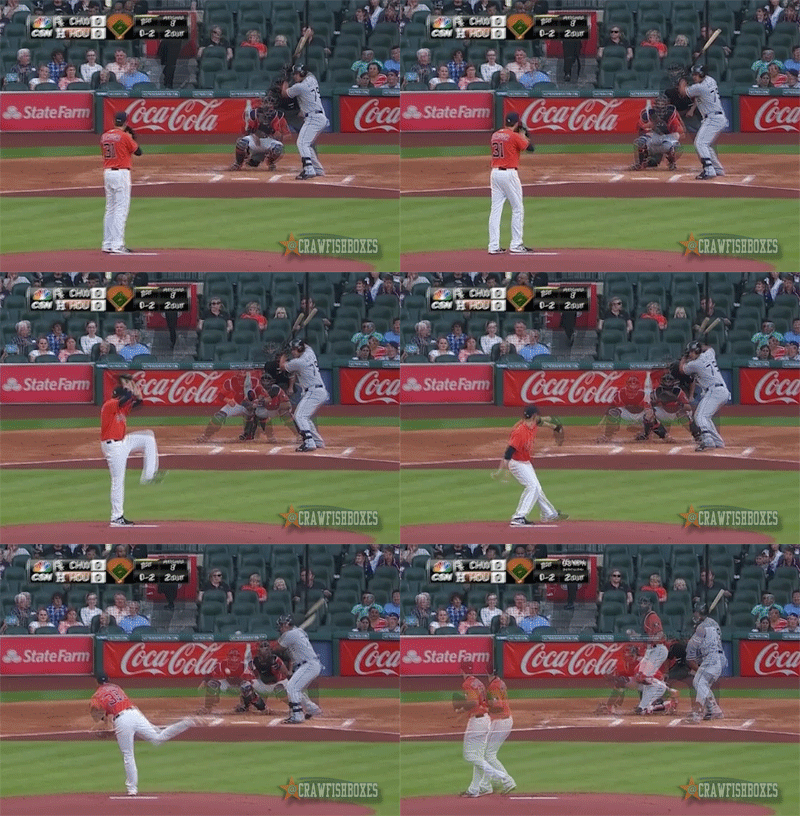
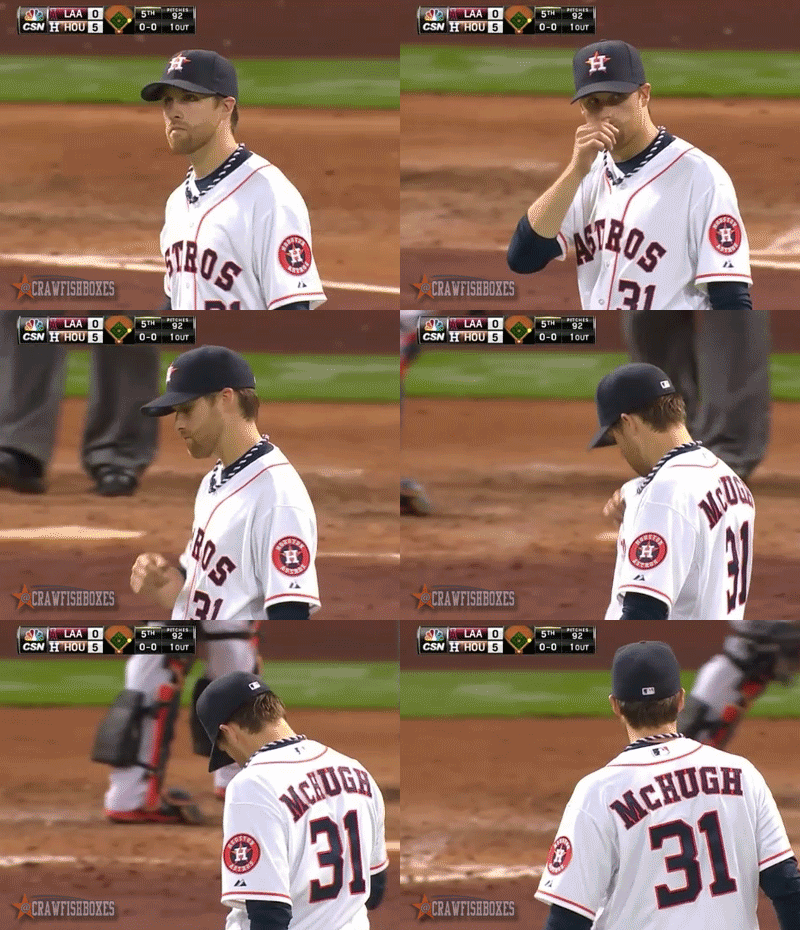
If you want make GIFs like this:

McHughOverlay

Then yes, you’ll want a video editor with more features like Adobe Premiere or Apple’s Final Cut Pro. Starting off the video editors that come with your operating system (OS) should suffice.

Photoshop

This is where the magic happens. I import the trimmed clip into Photoshop via Video frames to layers. Then I go through the process of deleting frames I don’t need and cropping the image down to the size I want. I also add my watermark before exporting as a GIF. If you're a student, Photoshop can be purchased at a discounted price. You can also sign-up for Adobe’s Creative Cloud service which has a monthly fee, but gives you access to all the latest and greatest Adobe software. I’ve never tried any of the free image editors and would love to hear if anyone has had success using them to make a GIF.

Upload Image

Most of my GIFs are uploaded to the SB Nation sites I contribute to:

The Crawfish Boxes

Garnet And Black Attack

Anything non-sports related goes up either on this site or my imgur account. Imgur has a limit to how big images can be, which can get pretty big for GIFs. A paid account will increase the limit on how big a GIF can be to upload. I pay a monthly fee for this site, so I’m not limited by the size of the GIF. If I do ever hit a limit, I will be sure to update this post. Other places to try would be social media sites like Tumblr and Twitter. Tumblr is actually where I initially hosted my GIFs. Twitter you can upload a picture to a tweet and that can include GIFs.

In the next part I’ll get into the process of how I create GIFs. If you have any questions or suggestions feel free to leave them in the comment section below.


GIFs from June 3-18

These are the GIFs that didn't appear on any of the sites I contribute to:

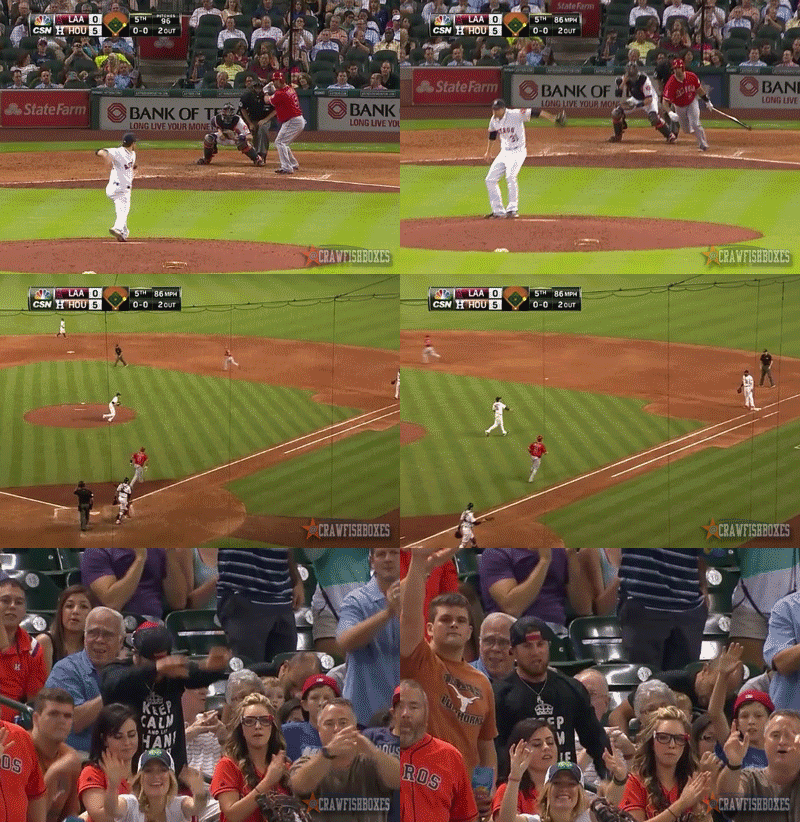
Collin McHugh appreciates his defense

Collin McHugh appreciates his defense

McHugh has some D of his own though

McHugh has some D of his own though

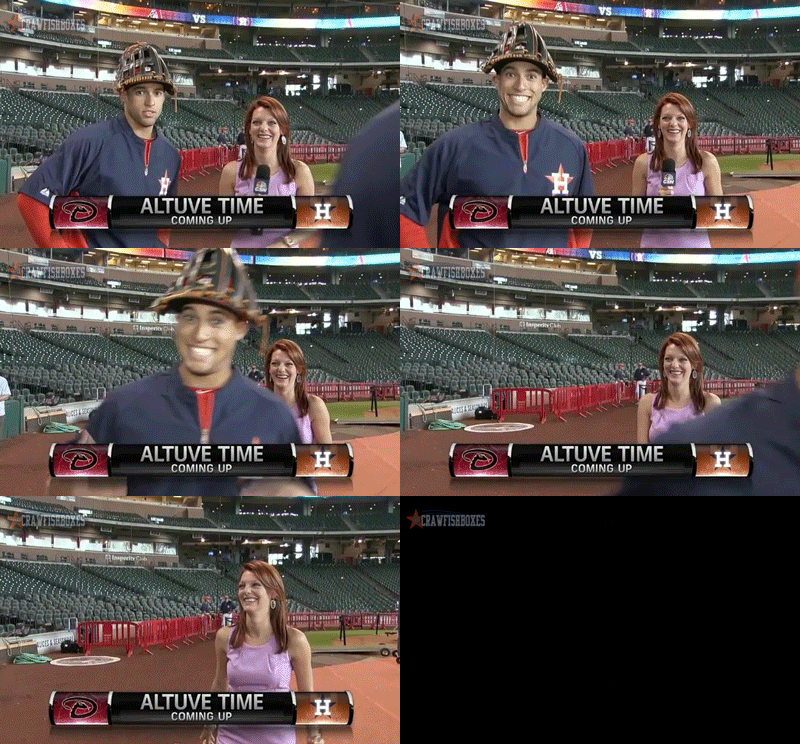
George Springer has a very colorful attitude

George Springer has a very colorful attitude

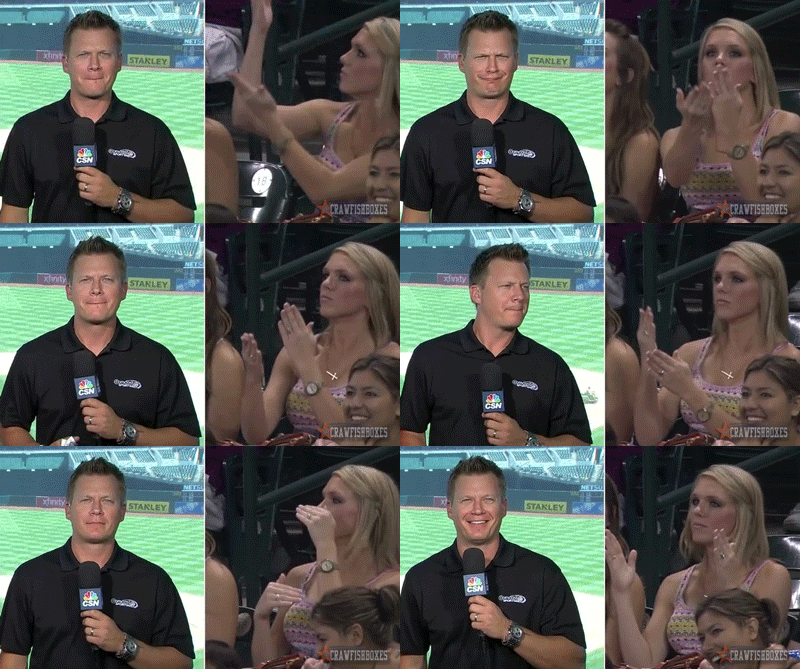
Astros broadcaster Geoff Blum has a dance off vs. an Astros fan.

Astros broadcaster Geoff Blum has a dance off vs. an Astros fan.

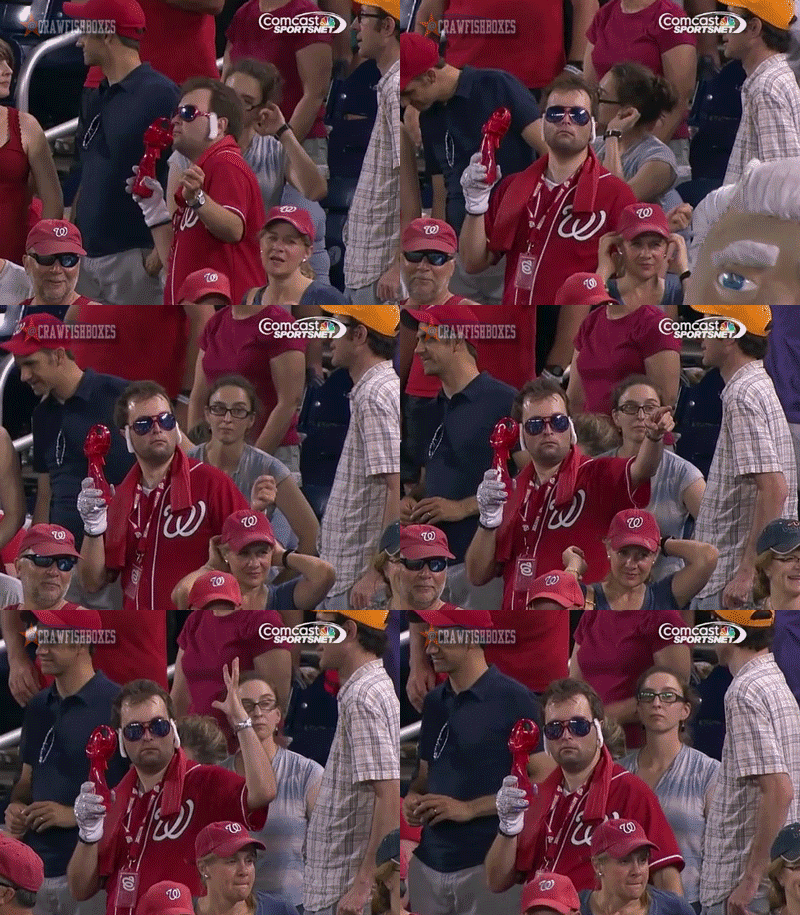
Nationals, an Elvis fan AND a Micheal Jackson fan makes for GIF gold.

Nationals, an Elvis fan AND a Micheal Jackson fan makes for GIF gold.

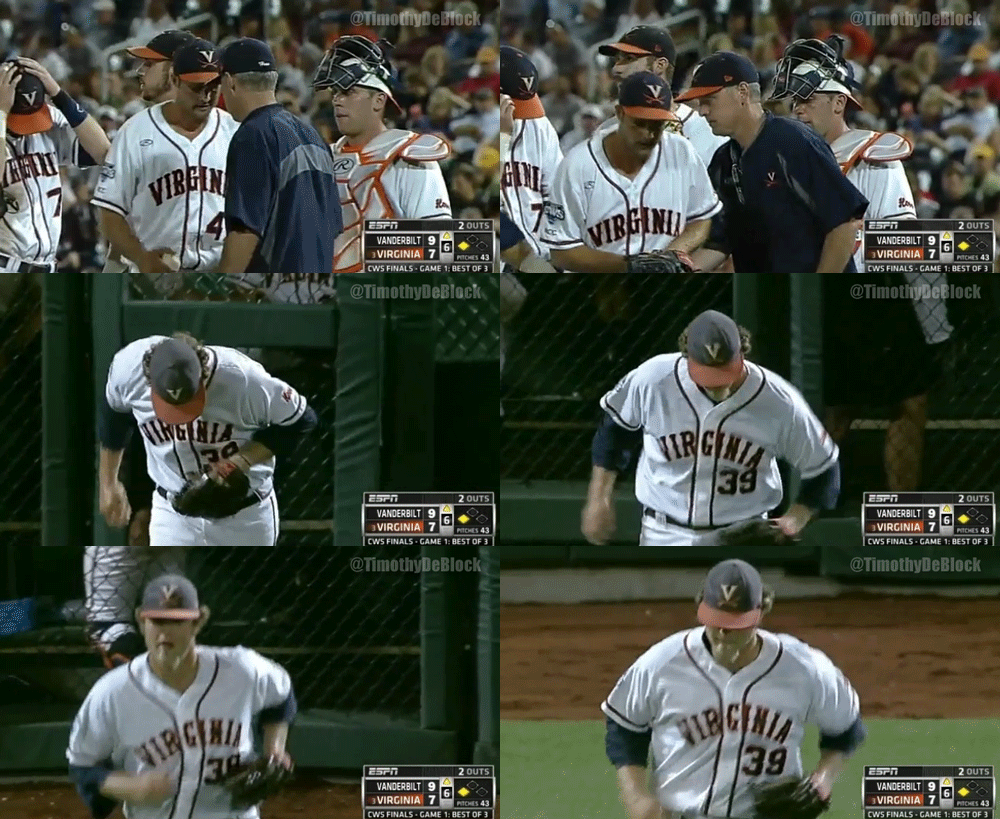
Send in the clown!

Watching the College World Series Finals game one between Virginia and Vanderbilt (the V series) and saw this pitching change:

SendInTheClown.gif

That's Vince Conde of Virginia. That hair and that beard and this game. Virginia struck first with a two-run single by Astros draftee Derek Fisher. Then in the third inning Vanderbilt put nine runs on the board, thanks to an infield single, three walks with the bases loaded, an error, a hit foul sacrifice and a double. Virgina has been plugging away at the lead though with runs in the third and fifth inning.

Conde came in with two outs and a man on third and got a strikeout to keep Virgina within two-runs of a tie. What a fantastic game.