Tweets worth mentioning August 25, 2014

Podcasting tips: editing and processing

Previously, I talked about equipment tips for podcasting. In this post I want to give some basic tips on editing and processing audio files. These are some of the things I’ve learned along the way:

Editing

Always edit from the end of the audio to the beginning, especially if you have time markers for editing. If you start at the beginning and edit to the end you'll change any time markers you set.

Truncate silence is a wonderful option in audacity. Effect -> Truncate Silence and define the amount of space allowed between audio waves. Once the process is started it will remove all the dead air in the audio file. Again, if editing markers are set make sure those are taken care of before hitting truncate silence.

Setting markers. In audacity it’s CTRL + M. It will set a mark during recording for you to go back to later.

Processing

Levelator is great for processing audio: http://web.archive.org/web/20130729204551id_/http://www.conversationsnetwork.org/levelator/

Export the audio as a wave and drop it in the levelator box and it will clean up and level everything in the audio.

Once that's done put the wav file in iTunes and convert it to an MP3 file. Here on instructions on how to set that in iTunes: http://support.apple.com/kb/ht1550

iTunes does a good job of converting wav files to MP3s and is the simplest method I know.

Ask questions or leave any audio editing and processing tips in the comment section below.


Podcasting tips: equipment

was recently asked for some tips on podcasting via email and I decided it would be a good idea to throw them up my website here for anyone else interested. Podcasting can be as simple as recording from your phone and putting it online or as complicated as getting a $300 microphone, a mixer and professional software. How you podcast is based on how much effort you plan to put into it and how much you’re willing to spend. I would suggest starting simple and cheap and then build on that as you get more into it.

Below you’ll find podcasting tips for a single person setup that costs about $50. The person I was giving tips to was for equipment and software ONLY. If you’re planning on podcasting you’ll need to consider hosting options for your audio files.

Get Audacity, a microphone and a headset or earphones.

Audacity is a really good free audio editing software: http://audacity.sourceforge.net/

It's what I use for my podcasts and fairly intuitive to learn.

Just about any mic available will work for recording a voice, whether it's a headset, a built-in laptop microphone or even a phone if it has recording capabilities. Your quality mileage will vary depending on how much is spent on the microphone.

I would recommend audacity, any headset or earphones and an ATR2100 USB mic: http://www.amazon.com/Audio-Technica-ATR2100-USB-Cardioid-Dynamic-Microphone/dp/B004QJOZS4

It's under $50 bucks but will improve the quality of the audio significantly and because it's USB all you have to do is plug it into the computer and go. And because it has an XLR connection it can also be hooked up to other more advanced audio devices. It's the same microphone David, Sean and I use for Crawfish Boxes: Astros Baseball Show. I would also recommend some sort of screen for the microphone. A cheap option would be a simple screen for the microphone. http://www.amazon.com/Stage-Foam-Ball-Type-Windscreen-Black/dp/B0002GXF8Q/ref=sr_1_2?s=musical-instruments&ie=UTF8&qid=1406421196&sr=1-2&keywords=microphone+windscreen

A more expensive option would be to get a desktop mic stand ($15) and a pop filter ($10-15).

$3 is about the cheapest you can go and again will improve the quality of the audio. Something I take very seriously if you hadn’t noticed.

Gaming headset also have decent microphones, but won’t be better than the ATR2100.

Examples:

12th episode:

This is me with a gaming headset.

127th episode:

This is me with the ATR2100.

Now I have refined my editing and audio processing techniques, but this still should give you a good idea on the quality difference in microphones.

Next: editing and processing tips

Tweets worth mentioning July 31, 2014

Astros GIFs from July 6 - 11

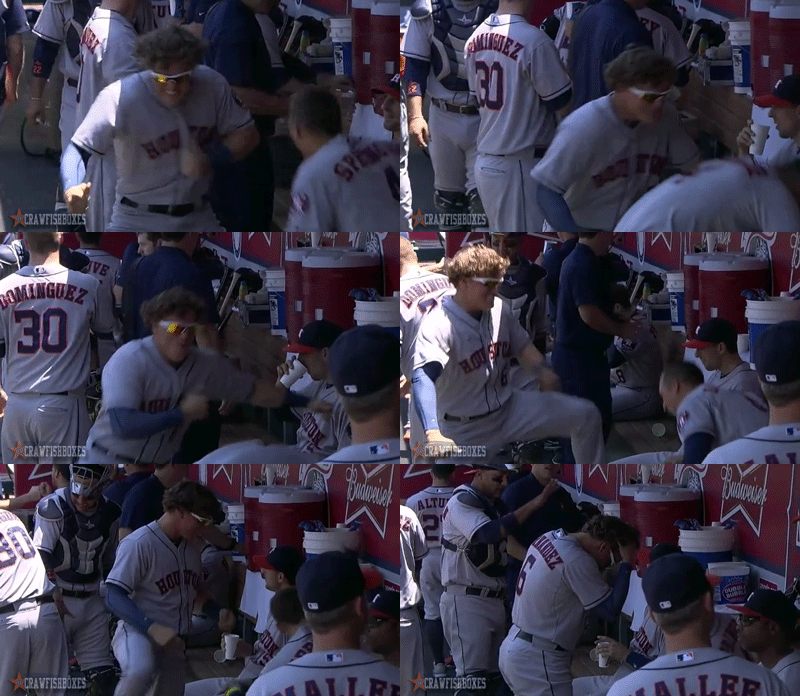
Kike Hernandez has an interesting pre-game dance

Kike Hernandez has an interesting pre-game dance

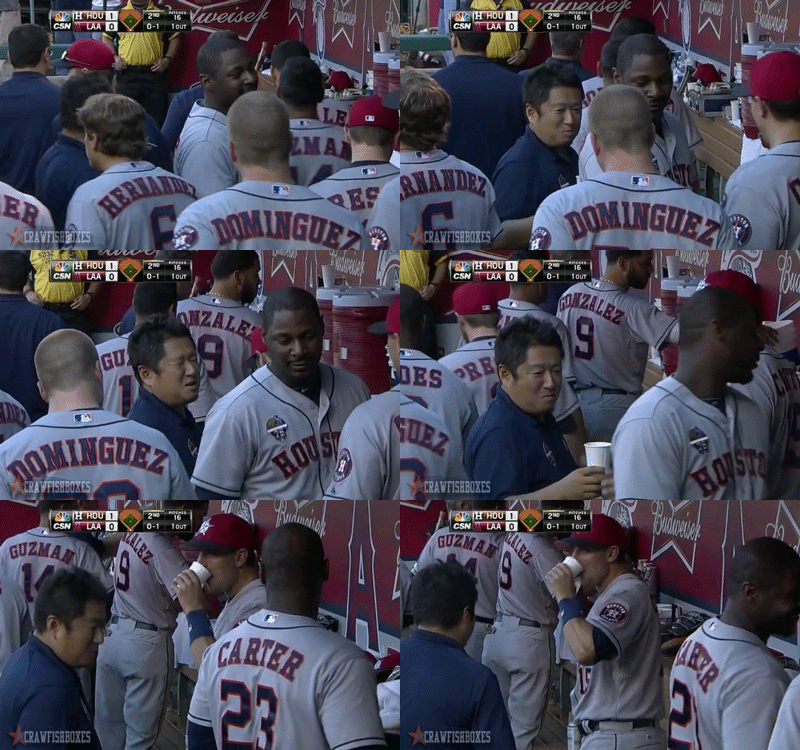
Jason Castro steals Chris Carter's water

Jason Castro steals Chris Carter's water

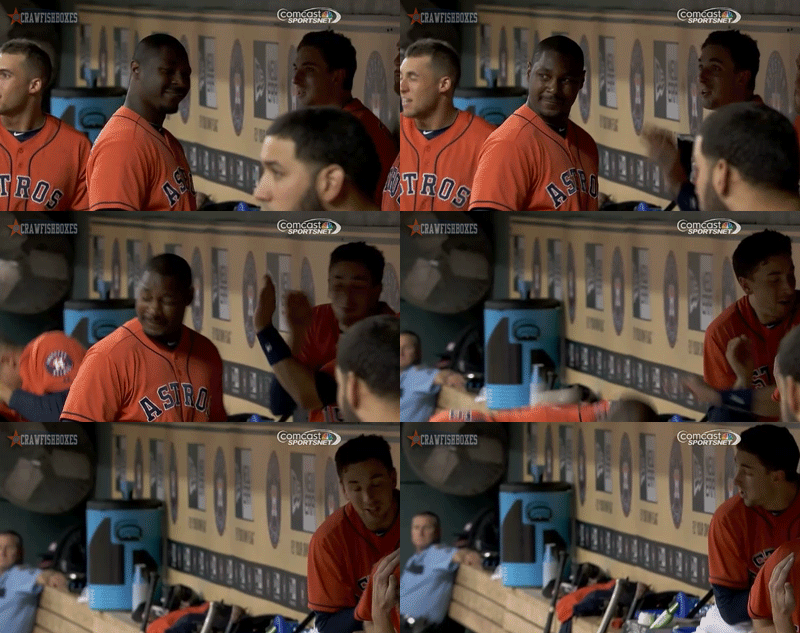
Chris Carter had a great week at the plate. Not so much in the dugout.

Chris Carter had a great week at the plate. Not so much in the dugout.

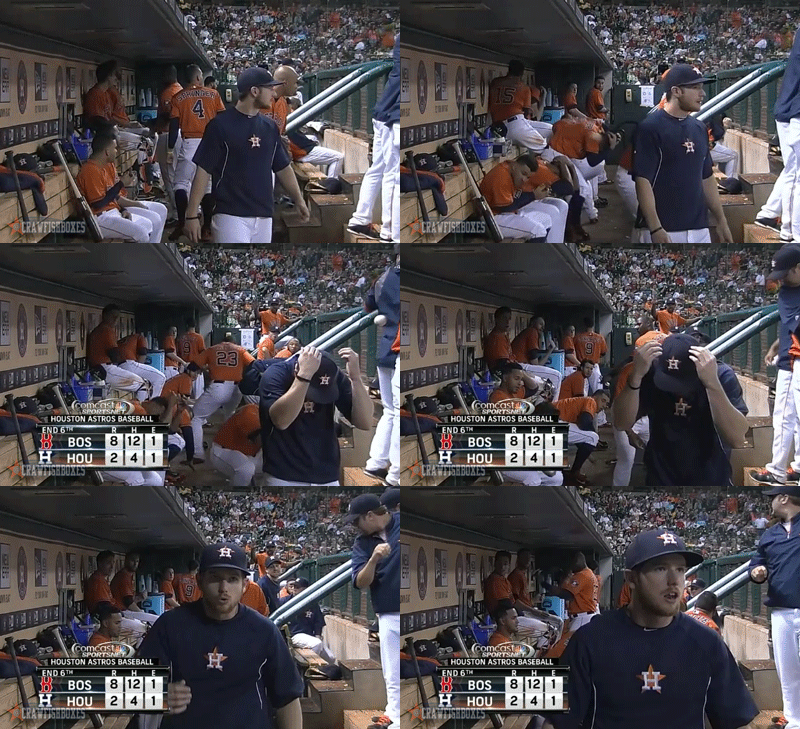
Another angle of the ball that Kike Hernandez shot into the dugout.

Another angle of the ball that Kike Hernandez shot into the dugout.