The return of the Exploring Information Security podcast

A year ago, I started an information security podcast that explores different topics and disciplines within the field. I stopped producing the podcast because I had too many things going on at the time and my final year of school was about to start. I was overwhelmed and that was an easy project to stop doing. A year later and I've found myself with more time and a desire to continue the project I started a year ago.

This week I have two interviews lined up with more expected in the coming weeks. My plan is to launch in early August. I will be putting the first three episodes I did last year up on iTunes and then begin releasing the episodes weekly. All seven episodes I did last year can be found at http://www.timothydeblock.com/eis/. I will continue to release episodes there, as well as on your favorite podcast directory.

This post first appeared on Exploring Information Security.

CircleCityCon gallery is up and bonus GIFs

All the CircleCityCon pictures are now available on Flickr.

Below are some GIFs I made from the pictures I took.

DJ Rance giving CircleCityCon attendees something to bounce to.

DJRevRance.gif

Who's behind the mask?

Here's the ladies of CircleCityCon having some fun during their "photo shoot."

This post first appeared on Exploring Information Security.

Heading to CircleCityCon

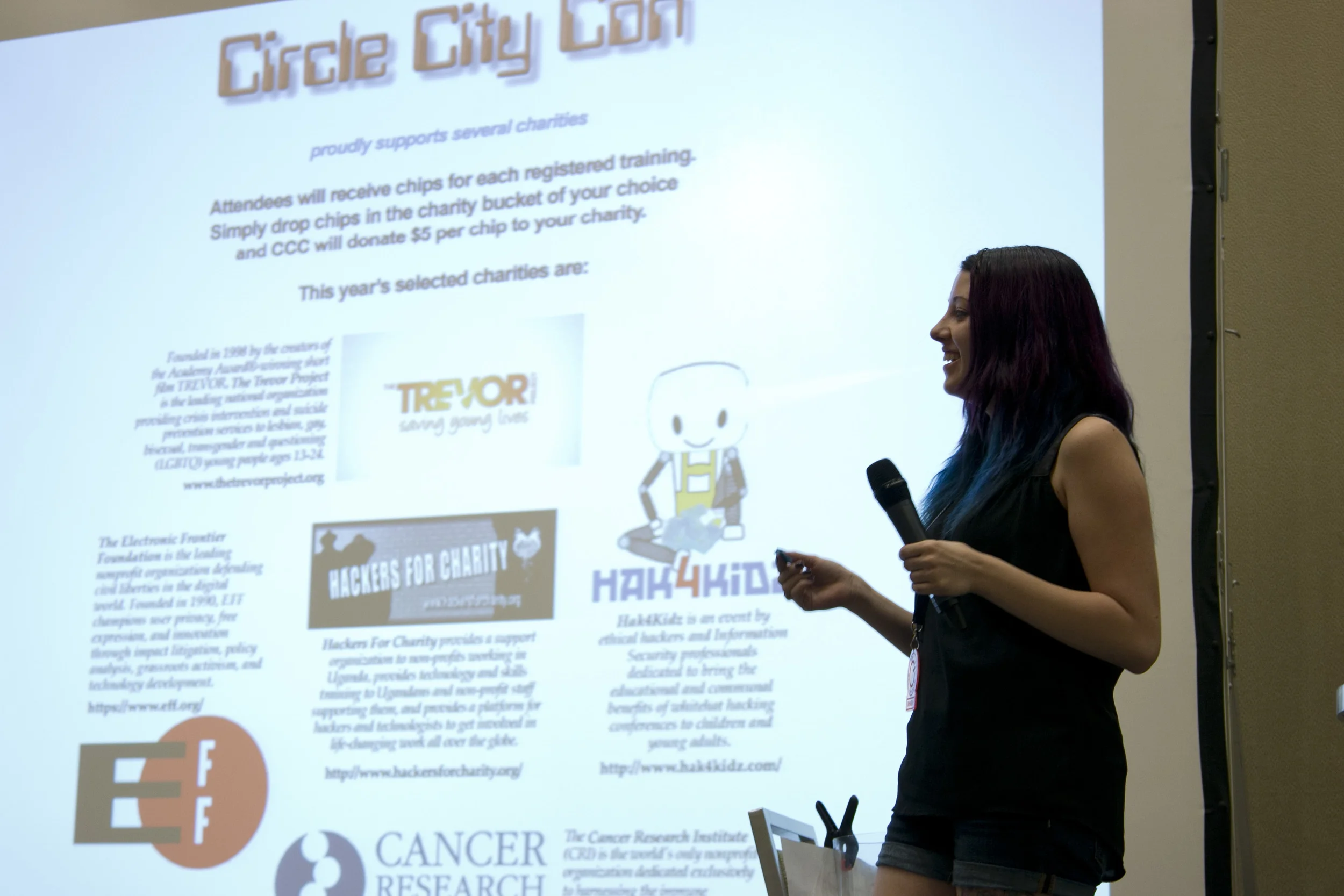
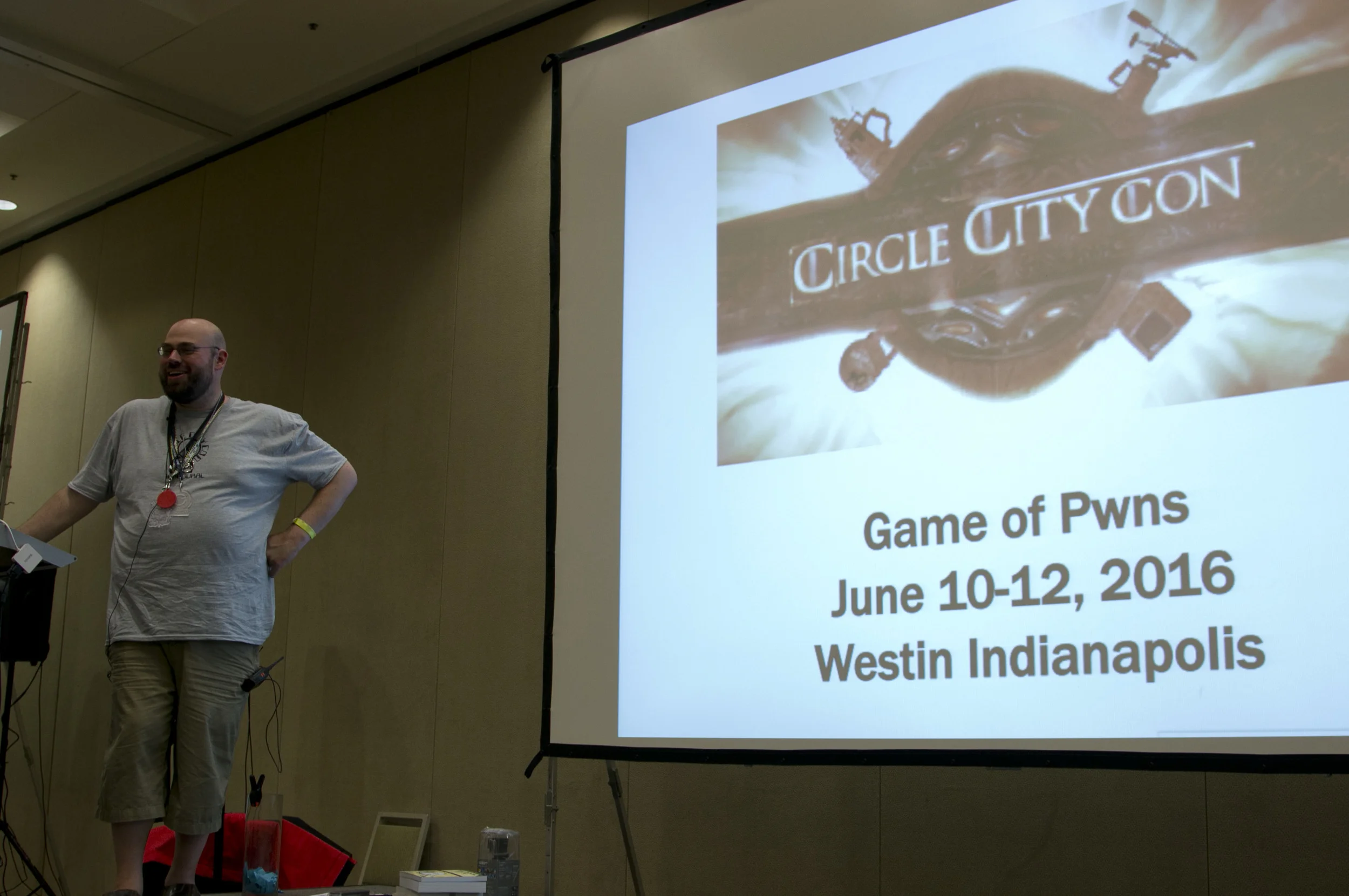
Early Thursday morning I will depart South Carolina and head North to Indianapolis, Indiana, for the three day security conference called Circle City Con. The conference is a three day event with training, speakers, and nightly entertainment that begins June 12, 2015, and ends June 14, 2015.
I am signed on as the photographer of the event to document with pictures all the fun things.

I would love to meetup with anyone going that I know, or even don't know. If you see me walking around the con stop me and say, "hi." Also, if anyone lives between South Carolina and Indiana and needs a ride, let me know. We might be able to work something out.

This post first appeared on Exploring Information Security.

Verizon Data Breach Investigation Report impressions

This is the first year I've read the full Verizon Data Breach Investigation Report. It was quite entertaining, but then again I'm into baseball and within baseball I'm into statistics. The report was easy to read, interesting, and informative and here are my impressions of the 70 page-ish report:

Threat Intelligence

Sharing threat intelligence is useful, but the strategy needs to be more, "going to the well" than "drinking from the hose." Think of the NSA's collection of information, which has been found to largely be ineffective at discovering attacks.

Phishing

Communications, legal, and customer service departments were all more likely to open a phishing email. There is no easy solution or magic wand that can make phishing go away. We need to focus on better filtering, developing and executing an ENGAGING and THOROUGH security awareness program, and improve detection and response capabilities.

Vulnerabilities

It's more effective to focus on getting a patch deployment strategy put in place, than trying patching systems as soon as a new patch is in place. Ten CVEs account for almost 97% of exploits observed in 2014. The ten:

  1. CVE-2002-0012 - SNMP

  2. CVE-2002-0013 - SNMP

  3. CVE-1999-0517 - SNMP

  4. CVE-2001-0540 - Memory leak

  5. CVE-2014-3566 - POODLE

  6. CVE-2012-0152 - RDP

  7. CVE-2001-0680 - Directory traversal

  8. CVE-2002-1054 - Directory traversal

  9. CVE-2002-1931 - XSS

  10. CVE-2002-1932 - Log deletion

According to this list, there is still a lot of vulnerabilities from the past that need to be patched. Getting a patching process in place is great for all the new stuff, but don't forget about all the old stuff that came out before the security team was in place.

Mobile

".03% of smartphones per week were getting owned by "high-grade" malicious code."

Android is the worst operating system (everyone saw that one coming) and, "most of the malware is adnoyance-ware and similar resource-wasting infections." This might change in the future, but for now it's not a huge area of concern.

Malware

My favorite line came from this section, "Special snowflakes fall on every backyard," which is in relation to "new" malware getting around anti-virus as being described as "advanced" or "targeted." Not the case according to the report. Malware is being given unique hashes to avoid detection by anti-virus.

Industry profiles

Each organization is unique, which is not earth shattering, but good to understand when looking at internal and external entities.

Impact

There is some supply and demand with data breaches: the higher the amount of records lost; the lower the cost of each record. Keep in mind records only tell half the story when it comes to the impact of a breach. There is fallout, not only within the company but outside it.

Incident classification patterns

96% of data breaches fall into nine basic pattersn:

  1. POS Intrusions - 28.5%

  2. Crimeware - 18.8%

  3. Cyber-Espionage - 18%

  4. Insider Misuse - 10.6%

  5. Web App Attacks - 9.4%

  6. Miscellaneous Errors - 8.1%

  7. Physical Theft/Loss - 3.3%

  8. Payment Card Skimmers - 3.1%

  9. Denial of Service - .1%

These are all from the first half of the report. The other half of the report went into discussing each time of data breach and what we can learn. I highly recommend reading the whole report. Not only is it an easy read, but it gives great insight into the current landscape of breaches


This post first appeared on Exploring Information Security.

Protecting your computer from unwanted guests: Firefox with NoScript

In the final post of this series I'll look at my favorite tool, Firefox with the NoScript plugin. Firefox is a browser by Mozilla and NoScript is a plugin that can be installed on Firefox. What NoScript essentially does is blacklist all the "JavaScript, Java, Flash, and other plugins" running on websites. It also provides cross-site scripting (XSS) and clickjacking protection.

After downloading and installing Firefox, go to the NoScript site or plugin page and install it to Firefox. A reboot of the browser will be required, but NoScript will be up and running. Now comes the annoying part. Every website and every script running on that website will require your approval to run. This is great for avoiding malware and web ads, but means that a page might not run properly when you first visit it.

To allow a web page and some scripts that will be needed to perform functions on the web page, click on the NoScript icon, which is an 'S' with a prohibition sign. Click on the main web page and allow, this will provide some more functionality on the page as well as open up more scripts to unblock. And that's the tricky part figuring out which scripts to allow to run. A Google search can help with this, but sometimes it's just trial and error to allow the right script to get the function you want to run. If you get frustrated enough you can 'temporarily allow all this page,' 'allow all this page,' or 'Allow Scripts Globally (dangerous).' Allowing scripts globally will essentially disable the plugin and I would avoid if you can. Temporarily will allow as long as the browser is open and allow all this page will allow all the scripts on the page permanently. Some scripts might run on multiple sites, so allowing them once allows them for all websites.

This method of protection will require the most work on your part, but also provides the most security when browsing the web. Accidentally clicked the wrong link? No worries, the script that installed the nasty malware never had a chance to run. You'll also get to see all the useless crap companies put on their web pages.

This the final post in my series on Protecting your computer from unwanted guests. This was mainly to provide my brother a walkthrough for protecting his computers at work, but if any other security professionals would like to chime in with tips or other suggestion, I would love that.

This post first appeared on Exploring Information Security.
Protecting your computer from unwanted guests: EMET

One of the awesome under-publicized tools that does an awesome job of hardening a computer is Microsoft's Enhanced Mitigation Experience Toolkit or EMET for short. This tool helps vulnerabilities in software from being exploited. It's not foolproof and researches have found ways around it, but it is effective. I've seen it be effective first hand. The tool is easy to install and manage, but will require some action on your part.

Download EMET and run the install. As part of the installation select 'Use Recommended Settings' then click 'Finish' and 'Close.' Once installed, right click on the EMET icon in the bottom right corner of the screen or the box thingy that pops up by click on the triangle on the task bar. Ensure that Data Execution Prevention (DEP) is set to 'Always On,' Structured Exception Handler Overwrite Protection (SEHOP) is set to 'Application Opt In,' Address Space Layout Randomization (ASLR) is set to 'Application Opt In,' and Certificate Trust (Pinning) is set to 'Enabled.' And that is pretty much it. EMET is now running on your computer kicking ass.

Unfortunately, EMET also steps in and kicks the ass of a legitimate like its cousins Internet Explorer and Microsoft Office applications or some other program. To fix this look at the alert and look at what the program is being blocked for. Then click on the 'Apps' button in the configuration section and uncheck the box of the blocking action for that application.

For more information on the tool you can download the user guide with the EMET installation. Also, Windows Update will not keep EMET up-to-date and will require a manual download and installation of any new version releases.

This post first appeared on Exploring Information Security.

Protecting your computer from unwanted guests: software patching

Patching is an important part of protecting a computer from unwanted guests. It is that process where we like to hit 'Install later' when a new patch becomes available.

Windows updates should be straight forward and already set to automatically run when new patches come in. To check that this is in fact the case do the following:

Click Start -> Control Panel -> Windows Update. On the left hand side click 'Change settings.' In the 'Important updates' section click the drop down and select 'Install updates automatically (recommended).' Set a date and time. Mine are set to 'Every day' and at '3 a.m.'

For all non-Microsoft software use Secunia Personal Software Inspector (PSI). This is a free tool for home (commercial is paid) use that goes out and grabs and installs all the updates for most of the third party software installed on a machine. Some updates will require manual installation, but most won't require any action from you at all. Simply download, install, and forget. Well, except for the manual installs that should be checked for every once and a while. 

This post first appeared on Exploring Information Security.

Protecting your computer from unwanted guests

My brother and I in Holland, in a big ass clog, keeping out feet protected from bad...things.

My brother and I in Holland, in a big ass clog, keeping out feet protected from bad...things.

My brother recently contacted me about an incident involving a tech support scam. Luckily, the scam was caught before anything serious happened and one good thing came out of the episode, which leads me to this post and the next few posts. I will be going over some of the tools that can be used to keep unwanted guests out of a computer. All the tools I will be talking about are free, but will require some configuration and thinking.

Tools

Here are the four tools I recommend for avoiding those nasty Internet Transmittal  Diseases (ITD):

  • Microsoft Security Essentials - Anti-virus

  • Secunia Personal Software Inspector (PSI) - Software patching

  • Microsoft Enhance Mitigation Experience Toolkit (EMET) - Computer hardening

  • Mozilla Firefox with NoScript plugin - Safe browsing

  • BONUS: Turn on click-to-play in browsers

I want go in-depth on Microsoft Security Essentials and turning on click-to-play in browsers. For Security Essentials, go to the download page, download, and install. Simple as that. There aren't many settings for the anti-virus program and that's a good thing. Anti-virus is largely mocked within the infosec community, because it's easy to circumvent, and that includes the $40-60 big name anti-virus companies of the world. Still, it has saved my bacon a time or two and worth installing, especially if it's free like Security Essentials.

I covered click-to-play in my last post and provided a link to a pretty good article that goes through how to turn on click-to-play in all the browsers. No need to reinvent the wheel, so here's the link again. Click-to-play is easy to turn on and easy to get used to and helps with computer performance.

If any of the posts are unclear are you have a questions, please leave a comment or contact me directly.

This post first appeared on Exploring Information Security.

Impressions from Bsides Nashville 2015

For the second year in a row, I traveled to Nashville this past weekend for it's local BSides security conference and like last year it was a wonderful conference to be apart of.

I took my camera again this year and I will have pictures from the conference before the end of the month is out. I've got school to wrap-up and several other things going on the next couple weeks. Time is very much at a premium for me right now, but I wanted to take a quick moment to highlight a couple of good things that happened at the conference.

First, I met several wonderful people this year, including: Amanda, Tim, Brett, Shelby, Frank, esSOBi, Adrian, and many many others. I also got to interact a little more with Lauren and Geoff and the rest of the BSides Nashville organizers this year, which was a treat. Putting together a security conference is a lot of work and they did a very good job again this year. I am already looking forward to next year.

The talks were again fantastic, though I didn't get to sit in as many as I did last year. A green track was added to the conference this year and it was completely packed for all the talks. There is a lot of interest in information security right now and there was proof in that track. I hope more security conferences, and in particular BSides, take note and start catering talks and content to people just starting out in security.

The one talk that stuck out to me the most was Johnny Xmas' "That's NOT my RJ45 Jack!: IRL Networking for Humans." The description is in the link and the talk is embedded below so I won't get into what makes the talk great. You'll just have to watch it. The one thing I will say is that this talk isn't just for security professionals. It's for professionals in general.

Watch it!

Almost forgot, the food was amazing again this year!

This post first appeared on Exploring Information Security.

BSides Nashville video project

I will be traveling to Nashville, TN, to attend BSides this weekend. For the second year in a row I will be running around the conference taking pictures. I'll also be shooting video this year, as part of my final project for a cinematography course I'm doing.

The idea is that I want to show hackers in a more positive light via a documentary style. The project is only required to be a few minutes long, so I won't need a ton of footage. I would like to setup some interviews before hand with some people to ask them what the term, "hacker" means to them. I also want to setup some interactions to shoot highlight some of the words people use in their interview. For example, words like family or community, I can use shots of people hugging, high-fiving, etc. Curiosity and a desire to learn I can use lock picking and shots of people in talks.

This is going to be a very fluid thing so I'd love to get the interviews done, then move onto getting shots of the conference. If anyone would be willing to help me with either item, I would very much appreciate it. Email me at timothy.deblock[at]gmail[dot]com.

This post first appeared on Exploring Information Security.
Information security podcast review

There are a lot of good information security related podcasts out there. Here are the ones I listen to and my impressions of the show. In no particular order.

PVC Security Podcast - FULL DISCLOSURE: I produce this show, would appreciate any feedback you have for the show positive or negative.

I love the passion and fun Paul and Ed bring to the show. They speak their mind and have some fun doing it. I take the quality of a show very seriously both from a technical and non-technical standpoint and I was happy to find that Paul and I share a lot of those same philosophies in the production of an audio show. We’re only 10 episodes in, so we’re still figuring some things out. When we created the podcast we decided that it wouldn’t cover news topics (though I did make them cover Sony) like several of the other podcast. Instead we wanted to focus on how to become a better information security professional and how to facilitate an improved security culture within an organization.

Security Weekly - This was one of the first podcast I was able to find on information security and it’s easily one of the top podcasts in the infosec community. It can get a little vulgar and can get a little off track, but the co-hosts are very knowledgeable and entertaining. It can get a little long, usually running 60-90 minutes, but that includes an interview, a demo and a news segment. Of the three segments the interviews are the best. I have gotten more information and ideas and tools out of this podcast than any other podcast I’ve listened to.

Down the Security Rabbithole - If you’re into enterprise security and want a more top level view of information security this is the podcast for you. They cover topics from an executive level as well as dive into the legal aspects of information security. They do cover news topics but do it from a much broader viewpoint. My only gripe with the show is that the audio quality can be lacking at times. The main issue being co-hosts being at different volume levels throughout the show. The audio quality seems to be getting better though

Risky Business - The best information security podcast out there. Patrick Gray is the Australian based podcast host and producer for the show. The production value of the podcast is high and well structured. He always has good interesting interviews and covers the news in an entertaining light-hearted way. If you’re only looking for only one security podcast to listen to, this has to be it.

Crypto-Gram Security - This is Bruce Schneier’s monthly podcast that basically has Dan Henage reading the articles Schneier posted on his website. Depending on how ofter Schneier writes, this podcast can be anywhere from 15 - 45 minutes long. Dan does a great job reading and producing the podcast. It’s a nice way to listen to Schneier articles. I usually pick up new things in the podcast that I missed reading his articles.

Defensive Security - This is another well produced show that takes a blue team approach to discussing topic and news items. From a technical aspect everything is sound. From a presentation standpoint it could use more energy. It is a good podcast that takes a slightly different angle on information security.  

Data Driven Security - This is the latest show I’ve picked up and I’ve loved the two episodes I’ve listened to so far. The topic, as the title suggests, is about data within information security, which might not appeal to everyone. Still it covers metrics within security, which is very much needed in every organization. I’m looking forward to seeing what I can learn from this show.

This post first appeared on Exploring Information Security.

The only thing I'm going to say about the Sony mess

I had a long list of links that I was going to use to put together a longform post about the Sony hack titled, "The massive Sony link dump." I am currently in the process of re-evaluating my priorities and what I want to do with my time in regards to this site. A massive post about Sony lost its luster pretty early in the process and was thus axed in the face. In its place I have something much more fun.

SonyAttribution

The guys over at Data Driven Security, who have a wonderful podcast and were recently guests on the PVC Security Podcast (Episode 7 and 9) I produce, put together a site that finally solves the Sony attribution problem. If you don't like that attribution simply refresh the page and you get a new one. It's called the Sony Hack Attribution generator and it's utterly fantastic!

Give it a whirl or two or 50.

This post first appeared on Exploring Information Security.

Infosec links January 6, 2015

Chip & PIN vs. Chip & Signature - Brian Krebs - Krebs on Security

The Obama administration recently issued an executive order requiring that federal agencies migrate to more secure chip-and-PIN based credit cards for all federal employees that are issued payment cards. The move marks a departure from the far more prevalent “chip-and-signature” standard, an approach that has been overwhelmingly adopted by a majority of U.S. banks that are currently issuing chip-based cards. This post seeks to explore some of the possible reasons for the disparity.

Banks' Lawsuits Against Target for Losses Related to Hacking Can Continue - Nicole Perlroth - The New York Times

The ruling is one of the first court decisions to clarify the legal confusion between retailers and banks in data breaches. In the past, banks were often left with the financial burden of a hacking and were responsible for replacing stolen cards. The cost of replacing stolen cards from Target’s breach alone is roughly $400 million — and the Secret Service has estimated that some 1,000 American merchants may have suffered from similar attacks.

Banks: Card Breach at Some Chick-fil-A's - Brian Krebs - Krebs on Security

The source said his institution saw Chick-fil-A locations across the country impacted, but that the bulk of the fraud seemed concentrated at locations in Georgia, Maryland, Pennsylvania, Texas and Virginia.

 This post first appeared on Exploring Information Security.

What I learned about information security in 2014

PVCSec Podcast logo

PVCSec Podcast logo

On New Years Eve the PVC Security podcast had a very impromptu recording session. We decided, on Twitter, five hours before the New Year to record our weekly podcast and discuss what we learned about security in 2014. I was hosting a party at the exact same time of the recording so I didn’t pipe in with what I learned in security last year, so instead I’ll write about it here.

The biggest thing I learned about security in 2014 is that it’s very important to have a solid background in IT. Understanding how a network is put together and how computers and servers work goes a long way in helping to secure them.

It is also extremely helpful in getting security implemented in an organization. Implementing security should not be about telling people their systems or applications are broken and that THEY need to go fix them. It should be about working together to finding the best most secure way of doing things. Understanding the limitations of a network, computer or server is going to help in finding the best solution to an insecure problem.

I’ve been working in information technology since 2002. I’ve done everything from moving phone lines to pulling cable to soldering to workstation troubleshooting to inventorying to server management to network management to now security. I’ve got a very broad IT background and I’m starting to realize that it is helping me become a good security professional. That’s not to say that one can’t jump into security or take another route to security, but I think I’ve benefited from having experience in the areas that I now find myself trying to secure and keep secure.

Happy New Year! I am looking forward to all the new things I will learn in 2015.

This post first appeared on Exploring Information Security.