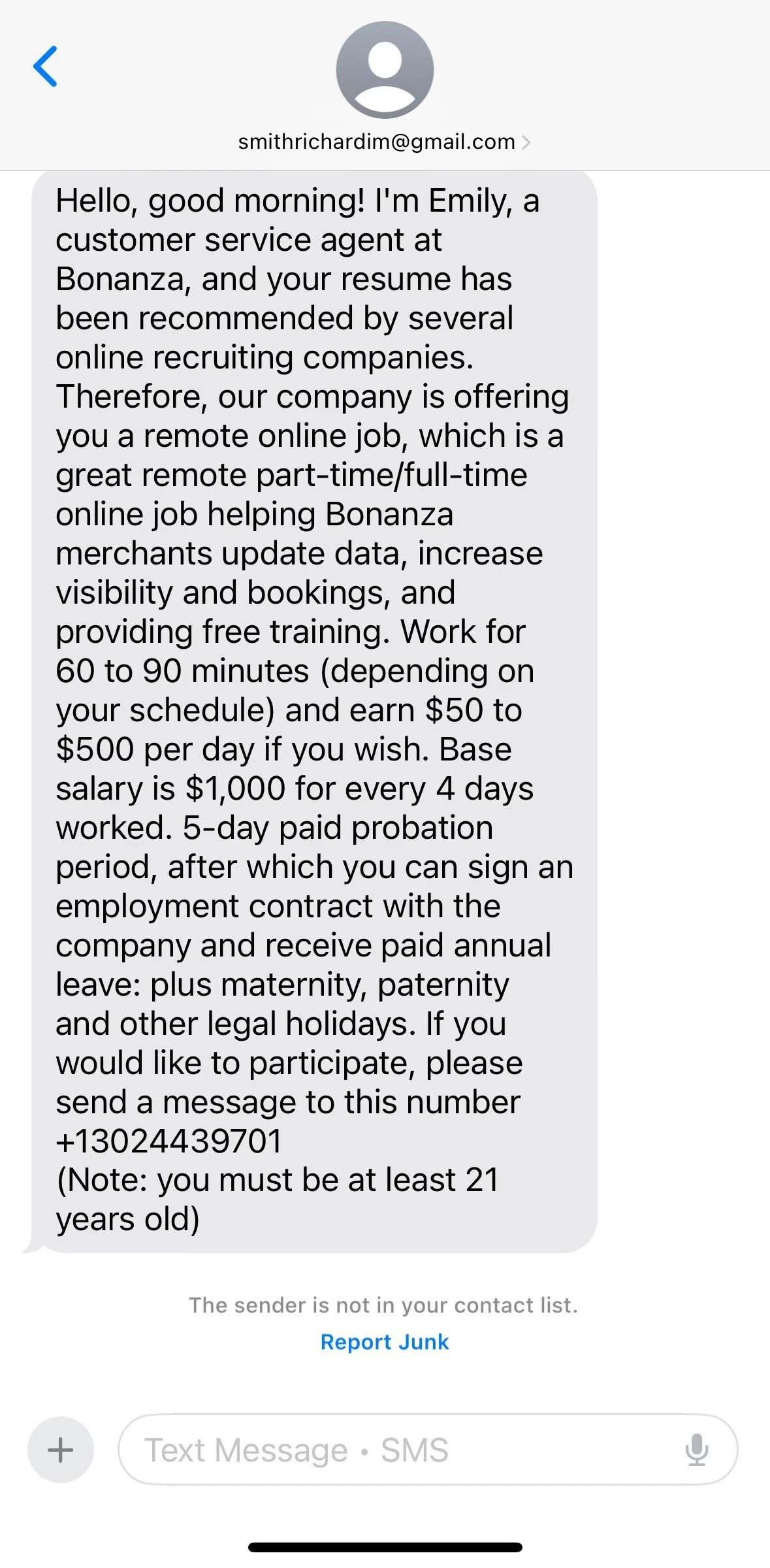

This was written for as a blog post for a security awareness program. Feel free to grab and use in your own program.
We’ve spent decades training employees to look out for suspicious email attachments, broken English in phishing emails, and dodgy domain names. As a result, email security gateways are smarter than ever, and employees are getting better at spotting traditional spam.
So, how are attackers bypassing cybersecurity infrastructure?
They’re picking up the phone.
Welcome to the era of Vishing (Voice Phishing). By blending modern technology with classic psychological manipulation, voice-based social engineering has quickly become one of the most effective threat vectors targeting organizations today.
Why Firewalls Can’t Stop a Phone Call
Traditional cyber defenses are built to monitor data packets, scan emails, and block malicious IP addresses. A phone call bypasses all of it. When an attacker calls an employee, they are engaging directly with the organization’s most flexible and most vulnerable security perimeter: human behavior.
Vishing attacks are particularly dangerous because they exploit real-time conversational dynamics:
Urgency: Attackers create high-stress scenarios (e.g., "Your account will be suspended in 5 minutes") that trigger panic and disable critical thinking.
Authority: They impersonate IT staff, executive leadership, or external auditors to leverage employee compliance.
Trust: A friendly, helpful tone breaks down natural suspicion far faster than a toneless email.
3 Corporate Vishing Tactics You Need to Know
1. Internal IT & Helpdesk Impersonation
Posing as internal IT support or employees is currently the single most common enterprise vishing tactic. Attackers execute this in two ways:
Targeting Employees: An attacker calls an employee claiming there is an urgent security patch, email migration, or compromised account. They persuade the employee to reveal login credentials by going to a URL they control and then input or read back a One-Time Password (OTP).
Targeting the Helpdesk: The attacker calls internal IT support posing as a real employee (using details scraped from LinkedIn or public profiles). They trick helpdesk agents into resetting the target’s password or registering a new device to bypass MFA entirely.
2. Telephone-Oriented Attack Delivery (TOAD / Callback Phishing)
Instead of placing cold calls, attackers send an email disguised as an urgent receipt or subscription renewal (e.g., "Your service will auto-renew for $500 in 2 hours"). The email intentionally contains no malicious links—only a support phone number. When the anxious recipient calls to cancel the charge, they are routed to a live scammer who guides them through a payment portal the control, installing remote-access software, or revealing sensitive data.
3. Executive & Direct Manager Impersonation
Using spoofed caller IDs—and increasingly, AI voice cloning built from podcasts, webinars, or social media—attackers impersonate company leadership. While traditional scams focused on C-suite executives (like the CEO or CFO) pressuring finance staff for urgent wire transfers, modern vishers frequently target everyday employees by impersonating their direct manager.
By mapping out org charts on LinkedIn, an attacker identifies who an employee reports to, calls them posing as their immediate boss, and demands an urgent task—such as sharing confidential files, approving an MFA prompt, or making quick gift card purchases. Because employees naturally want to be responsive to their direct supervisor, they are far less likely to question authority or double-check verification procedures.
The Employee Defense Playbook: 4 Rules to Stay Safe
To protect yourself against vishing attacks, incorporate these fundamental rules into your daily workflow:
1. Out-of-Band Verification is Mandatory
If anyone calls claiming to be from internal IT, executive leadership, or a critical vendor asking for sensitive actions (password resets, financial transfers, access grants), hang up. Contact them back using an official, internal communication channel (e.g., Slack, Teams, or an internal directory phone number).
2. Never Share Passwords, Multi-Factor Authentication (MFA) Codes, or Trust Unverified URLs
Passwords and Multi-Factor Authentication (MFA) codes sent via SMS or authenticator apps are strictly for your eyes only. No legitimate IT department, bank, or vendor will ever call asking you to read back an MFA code, reveal your password, or approve an unsolicited MFA push prompt over the phone.
Additionally, be extremely cautious if a caller directs you to a website to "verify your identity," reset your password, or update settings. Attackers frequently set up malicious lookalike URLs that appear to be Acadia-owned (e.g., acadia-verify-login.com or acadia-support-portal.net instead of our official domain). Always verify domain spellings carefully and navigate to official corporate portals directly rather than typing in URLs provided over the phone.
3. Beware of Unsolicited Remote Access Requests
Be extremely cautious if a caller asks you to install remote administration tools like AnyDesk, TeamViewer, or LogMeIn. Unless you opened a ticket through your company's official IT portal, never grant remote desktop access.
4. Trust Your Instincts: Ditch the Pleasantries and Verify
Healthy skepticism is your sharpest line of defense. As you speak with a caller, listen to your gut. If something feels rushed, unusual, or slightly off, pay attention to those internal alarm bells. Attackers actively exploit corporate politeness and social pressure, relying on your desire to be helpful so you won't challenge them.
When your intuition tells you a call isn't right, skip the polite small talk and drop the fear of appearing rude. Cut straight to the point and inform them firmly: "I need to verify this request through our official internal channels before we proceed," and hang up. Reaching out through a trusted, known method to confirm identity isn't being difficult—it's enforcing standard corporate security protocol.
What to Do If You Suspect a Vishing Attempt
Act Fast: Report Immediately—No Shame, No Blame
If you receive a suspicious call—or realize after hanging up that you accidentally shared credentials, clicked a link, or provided an MFA code—do not let fear or embarrassment keep you silent. Cybercriminals are highly trained manipulators, and anyone can be caught off guard.
The worst thing you can do after a potential slip-up is freeze. The delay between when a mistake happens and when it gets reported is the exact window an attacker needs to move laterally through the system, escalate their privileges, and cause catastrophic network-wide damage or steal troves of sensitive data.
Reporting the incident right away gives your Security and IT teams the immediate head start they need to revoke active session tokens, isolate compromised endpoints, and lock the attacker out before they dig in. An immediate report turns a potentially devastating breach into a quick, minor cleanup. Your Cybersecurity and IT teams will always prefer spending minutes resetting an account today over weeks spent recovering from a full blown security incident.