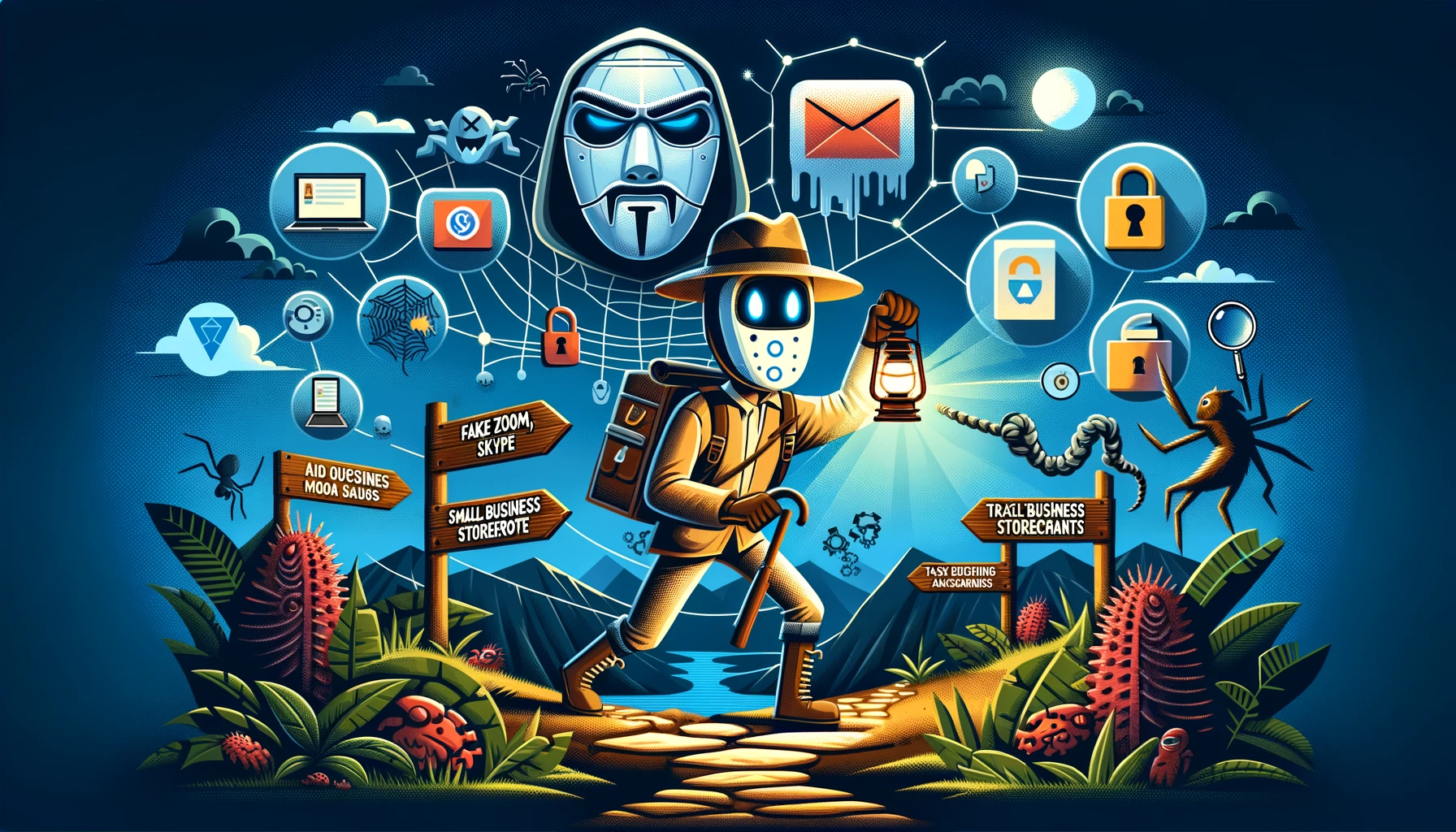
I wrote this for an internal security awareness program. Feel free to copy and use within your own security awareness program. Generated by Gemini and edited by a human.
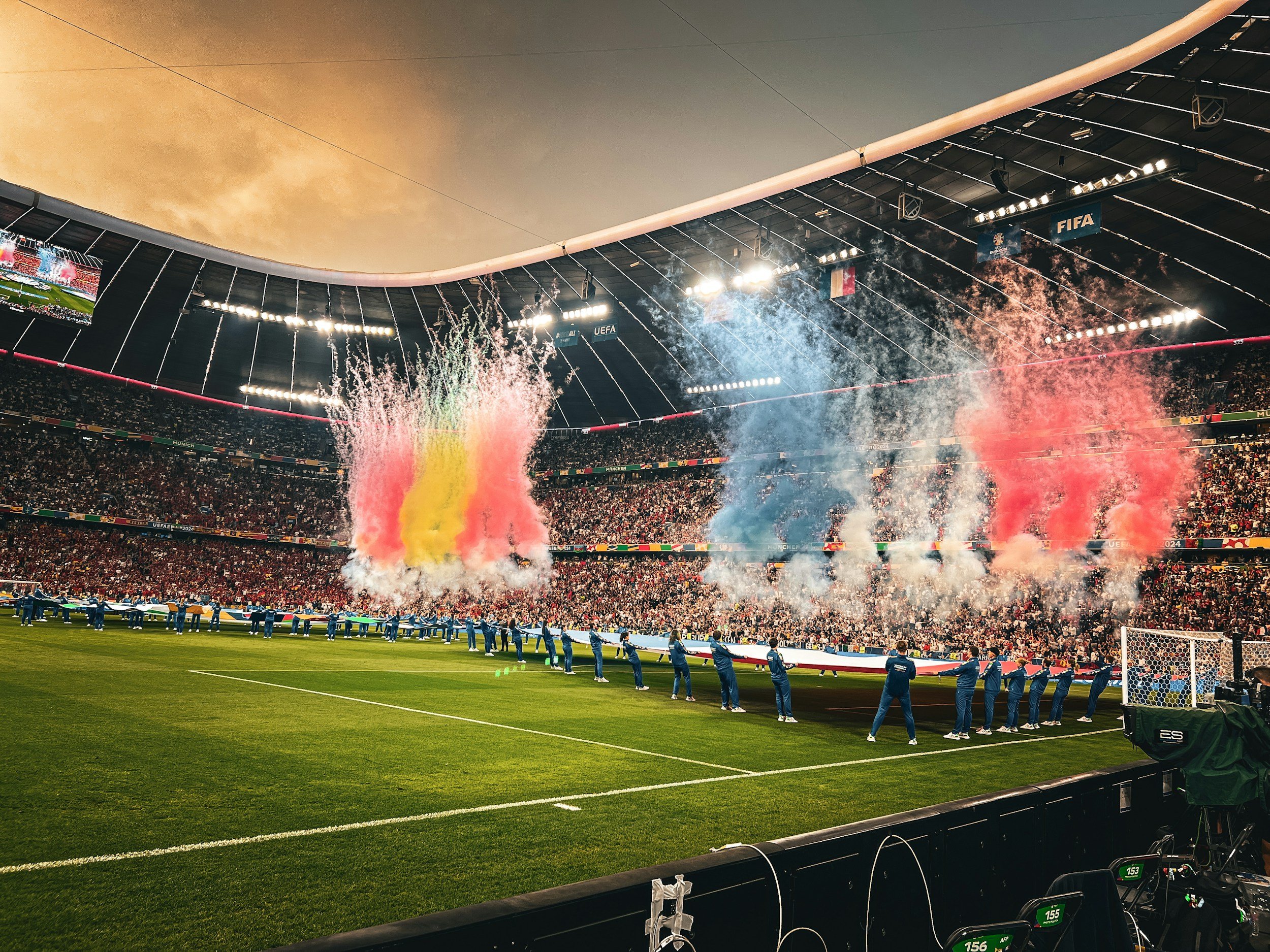
The countdown to the 2026 FIFA World Cup is officially on! Scheduled to be the largest sporting event in history across the United States, Canada, and Mexico, the tournament will feature 104 matches across 16 host cities. FIFA estimates that over six million fans will pack the stadiums, and within the first 15 days of the ticket window alone, demand was a staggering 30 times oversubscribed with 150 million requests.
Unfortunately, where there is unprecedented demand, cybercriminals smell an unprecedented opportunity.
Security researchers from the FBI, Bitdefender, CSC, and Group-IB have uncovered a massive, industrialized ecosystem of fraud targeting football fans months before the opening whistle. From pixel-perfect fake websites to social media "malvertising," here is a breakdown of the major threat vectors circulating right now and how you can stay secure.
The "Ghost Stadium" Campaign & Pixel-Perfect Spoofing
The most sophisticated threat identified by researchers is a campaign dubbed GHOST STADIUM. Run by financially motivated, Chinese-speaking threat actors, this operation utilizes a network of hundreds of malicious domains designed to copy the official FIFA web presence.
How it works: Bad actors use advanced programming frameworks to build single-page apps that copy the official
fifa.comexperience. They even pull images directly from FIFA’s official content. This means the page looks perfectly authentic to the naked eye.The Single Sign-On (SSO) Trap: The GHOST STADIUM kit replicates the legitimate FIFA login page. When you input your credentials, it doesn't just steal them—it silently triggers a password reset command (
p1:reset:userPassword) behind the scenes, immediately locking you out of your real account. It then harvests your name, address, phone number, and banking details before redirecting you to the actual FIFA website to minimize suspicion.Massive Scale: The campaign automatically detects your browser language and serves the scam in 11 different languages. Financial analysts estimate that premium and hospitality ticket fraud from this single campaign could cause losses scaling into the hundreds of millions—or even billions—of dollars.
Typo-Squatting and Deceptive Domains
The FBI’s Internet Crime Complaint Center (IC3) and CSC Domain Management have reported an explosion of third-party domain registrations using the "FIFA" keyword. Between 2022 and early 2026, over 65,000 third-party domains containing "FIFA" were registered, with massive spikes occurring the moment match schedules or participating teams were finalized.
Scammers rely on "typo-squatting"—registering domains with minor misspellings or alternative Top-Level Domains (TLDs)—hoping rushing fans will type them by mistake or click them in search results.
Examples of malicious or spoofed domains flagged by the FBI include:
fifa[.]bar,fifa[.]pink,fifa[.]blue,fifa[.]beerfiffa[.]comorfilfa[.]orgfifa-ticket[.]liveandworldcup26ticket[.]comFake hiring sites designed to steal PII from job seekers:
jobs-fifa[.]com,fifa-hr[.]com, andfifaworldcup-careers[.]com
Social Media Malvertising & Counterfeit Gear
Don't trust everything on your feed. Bitdefender Labs recently uncovered over 55 distinct football-related scam ad campaigns actively targeting users on Facebook and Instagram.
Using realistic product photos, official-looking branding, and synthetic, AI-generated imagery, these ads target specific national fan bases (like England's "Three Lions" or Scotland's "Tartan Army"). They push "limited edition" national team jerseys, World Cup fan gear, or pre-orders for the highly anticipated Panini World Cup sticker albums.
The ads utilize high-pressure tactics ("Selling out fast!", "Today only!") to redirect users to shady, low-trust e-commerce platforms. Best case scenario? You are overcharged for a cheap counterfeit shipped from overseas. Worst case scenario? Your credit card number is scraped and sold on the dark web.
Fake Streaming Platforms & Piracy Apps
With billions of people wanting to watch the matches, demand for live streams will be at an all-time high. Cybercriminals are capitalizing on this by launching coordinated illicit IPTV operations and fraudulent streaming apps (such as malicious variants of "Goal Rush" apps).
These operations often use Cyrillic character spoofing to bypass social media moderation systems. Once a fan attempts to access a "free" or "cheap" stream, they are prompted to download a specific media player or app, which silently installs an infostealer malware.
The "You Won!" Lottery and Giveaway Scams
Phishing emails are heavily circulating, falsely claiming to be sent from the FIFA Legal and Compliance Division or the FIFA World Cup 2026 Local Organizing Committee.
These emails tell targets that they have randomly won cash prizes of up to $2 million or exclusive ticket packages. To make the email look official, scammers include fake reference numbers, legal jargon, and "confidential PIN codes." To claim the prize, victims are asked to submit copies of their passports or national IDs to a "claims agent" (often using a free Gmail address), exposing them directly to severe identity theft.
How to Protect Yourself: Your World Cup Cyber Defense
To make sure you don't get sidelined by cybercriminals, follow these strict security guidelines:
Type, Don't Click: When navigating to the official tournament page, type
fifa.comdirectly into your browser's address bar. Do not rely on search engine results, and completely avoid clicking on "Sponsored" search ads, which are frequently purchased by scammers.Verify the TLD: Official FIFA communications and websites end cleanly in
.com. Be incredibly wary of domains ending in.xyz,.vip,.live,.sale, or.app.Bookmark Safe Sites: Once you are securely on the verified FIFA ticketing or hospitality dashboard, bookmark the page. Use your bookmarks to return to the site rather than re-searching for it.
Ignore Artificial Urgency: Countdown timers, aggressive "Limited Stock" alerts, or high-pressure emails are psychological triggers used by scammers to bypass your logical thinking. Take a breath and verify the legitimacy of the seller.
Say No to "Free" Streams: Only use authorized, official broadcasting partners to stream matches. Downloading apps or streaming players of third-party marketplaces is an open invitation for malware to harvest your device data.
Use Multi-Factor Authentication (MFA): Ensure MFA is active on your ticketing, email, and financial accounts. Even if a phishing site steals your password, MFA can stop an attacker from locking you out. Also, think about setting up Passkeys.
What to do if you’ve been scammed: If you accidentally entered information into a suspicious site, contact your bank or credit card provider immediately to freeze your accounts. If you reside in the U.S. or are targeted by a site impersonating an official organization, file an official report with the FBI’s Internet Crime Complaint Center at www.ic3.gov, ensuring you include the exact domain name and transaction details.
Enjoy the tournament, back your team, but keep your digital guard up!